Best AI Food Photo Tools for Restaurants (2026 Comparison)
An honest comparison of the top AI food photo tools for restaurants in 2026 -- pricing, quality, speed, and which one fits your budget.
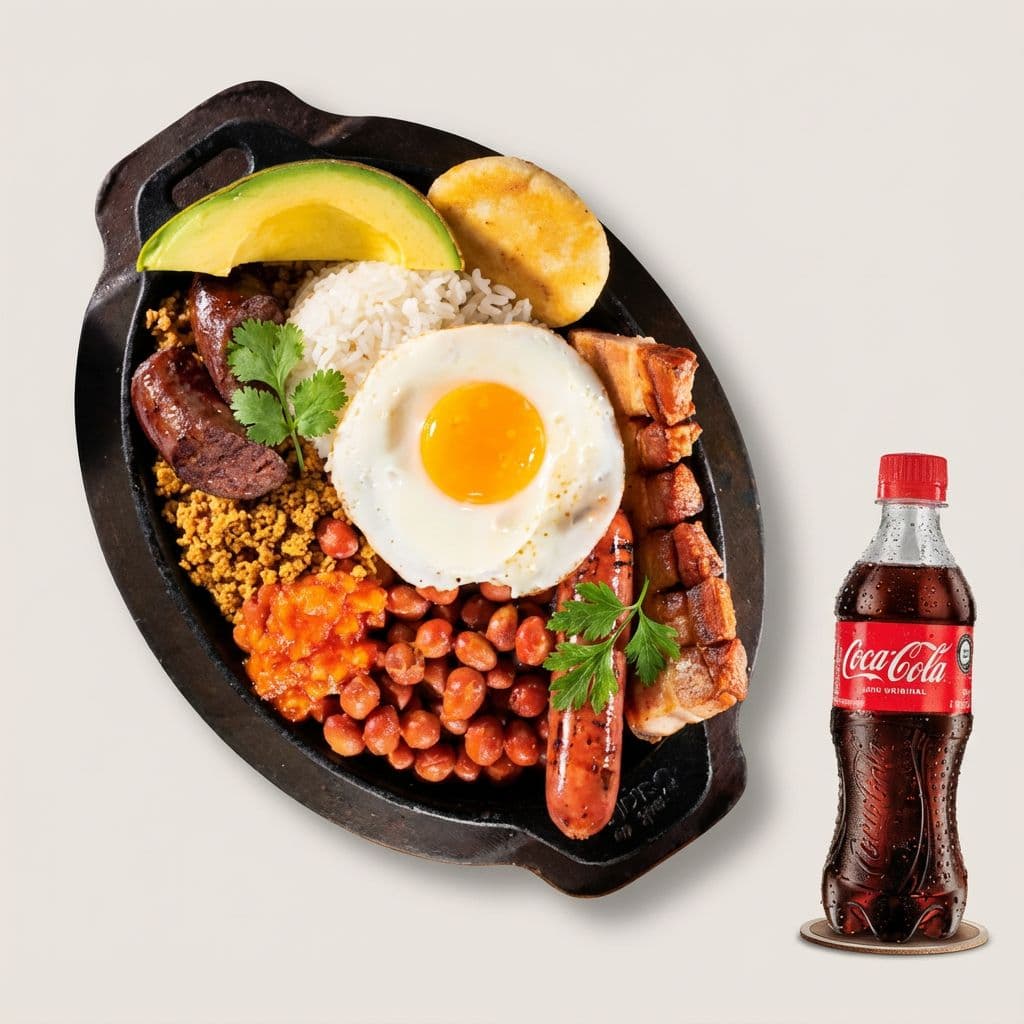
Best AI Food Photo Tools for Restaurants (2026 Comparison)
A single professional food photo shoot costs $500 to $2,500. For an independent restaurant that changes its menu four times a year, that is $2,000 to $10,000 annually -- just to keep your DoorDash listing looking decent.
The best AI food photo tools cut that cost to under $1 per image and deliver results in seconds, not weeks. But not every tool works the same way, and the wrong choice can lock you into a subscription you barely use or produce images that look obviously fake.
We tested the leading options side by side. Here is what we found.
Quick Answer: Top 3 AI Food Photo Tools for Restaurants
If you are short on time, here is the summary:
ToolBest ForPricingOur Take
Restaurants that need photos a few times a year
Pay-per-use (~$1/photo)
Best value. No subscription, 19 restaurant-specific styles, 30-second results.
Restaurants that need creative editing (adding garnishes, changing backgrounds)
$9-99/month
Most features. Good if you need to add or remove elements, not just enhance.
Restaurants that want a hands-off service
$27-62/month
Solid enhancement quality. Re-edit system is a nice touch. Higher monthly cost.
Now let's break down what actually matters when choosing one of these tools.
What to Look For in an AI Food Photo Tool
Before comparing specific tools, you need to know what separates a good one from a waste of money. Here are the five criteria that matter most for restaurants.
1. Enhancement vs. Generation
This is the most important distinction. Some tools enhance your actual food photos -- improving lighting, color, and composition on the dish you actually serve. Others generate entirely new images from text prompts, creating food that does not exist.
For restaurants, enhancement is almost always the right choice. Delivery platforms like DoorDash and Uber Eats expect photos to represent your real food. AI-generated images of fictional dishes can lead to customer complaints, bad reviews, and potential policy violations.
Every tool in our top three enhances real photos. We mention generation tools briefly at the end, but they are a different category.
2. Pricing Model
This is where the tools differ most, and where restaurants often overpay.
Most AI food photo tools charge monthly subscriptions: $9 to $99 per month, whether you use them or not. That works if you need new photos every week. But most independent restaurants update their menu photos a few times a year -- during seasonal changes, new dish launches, or delivery platform refreshes.
If you shoot 50 photos in March and 50 in September, a $27/month subscription means you are paying $324/year for two days of actual use. A pay-per-use model would cost around $100 for the same work.
Ask yourself: How often will I actually use this?
3. Restaurant-Specific Features
General photo editors like Canva and Lightroom can improve food photos, but they were not built for the restaurant use case. Restaurant-specific tools offer:
- Delivery app optimization -- Styles and aspect ratios tuned for DoorDash, Uber Eats, and Grubhub
- Professional food lighting -- AI trained specifically on food photography, not general images
- Multiple style presets -- Switch between bright and airy (social media), dark and moody (fine dining), or clean product shots (delivery apps)
- Batch processing -- Upload 20 photos at once instead of editing one by one
4. Speed and Ease of Use
Restaurant owners are not photographers. The tool should work in three steps: upload, choose a style, download. If it requires manual adjustments, layer editing, or prompt engineering, it is the wrong tool for a busy kitchen.
Processing time matters too. Thirty seconds per image is the standard for enhancement tools. Anything over two minutes feels slow when you are processing a full menu.
5. Output Quality
This one is harder to evaluate from a website. The only real test is uploading your own photos -- not the cherry-picked before/afters on the marketing page.
Look for tools that offer a free trial so you can test with your actual dishes before committing money.
The Best AI Food Photo Tools for Restaurants in 2026
1. Beautiful Food -- Best Pay-Per-Use Option
Website: trybeautifulfood.com
How it works: Upload a phone photo of your dish, choose from 19 restaurant-specific styles, and get a professional-quality result in about 30 seconds. The AI enhances your real food -- it does not generate fictional images.
Pricing:
Details
Model
Pay-per-use (credits)
Cost
Starting at $4.99 for a credit pack (~$1/photo)
Free trial
5 free credits, no credit card required
Credits expire?
No
What stands out:
Beautiful Food is the only tool in this comparison that does not charge a monthly subscription. You buy credits when you need them, use them at your pace, and they never expire. For a restaurant that updates menu photos seasonally, this is significantly cheaper than paying $27-62/month year-round.
The 19 style presets are built specifically for restaurant use cases: delivery app optimization, social media, dark moody (fine dining), bright airy, and more. You are not tweaking sliders or writing prompts -- you pick a style and the AI handles the rest.
Pros:
- No subscription -- pay only when you use it
- 19 styles built for restaurants and delivery platforms
- 30-second processing
- 5 free credits to test with your own food (no card needed)
- Credits never expire
Cons:
- No mobile app (web-based only)
- No creative editing (cannot add garnishes or swap backgrounds like FoodShot)
- Newer tool, less social proof than established competitors
Best for: Independent restaurants that need professional photos a few times a year and do not want to pay for months they are not using the tool. Try it free with 5 credits.
2. FoodShot AI -- Most Feature-Rich Option
Website: foodshot.ai
How it works: Upload a food photo and choose from 30+ style presets. Beyond basic enhancement, FoodShot lets you add or remove elements (sauces, garnishes, toppings), change backgrounds, adjust camera angles, and clone the style of a reference photo.
Pricing:
PlanMonthlyAnnualPhotos/month
Free
$0
$0
Limited (watermarked)
Starter
$15
$9
25
Business
$45
$27
100
Scale
$99
$59
250
Effective cost: ~$0.36-0.60/image depending on plan.
What stands out:
FoodShot is the most full-featured tool in this space. The creative editing capabilities go beyond enhancement -- you can add a drizzle of sauce that was not in the original photo, swap a plain background for a marble countertop, or match the exact style of a photo you found on Pinterest.
This is powerful, but it comes with a caveat: adding elements that are not in your real dish can create a gap between the photo and what the customer receives. For delivery app photos specifically, sticking to enhancement (what you actually serve) is safer.
FoodShot also has an iOS app, which is convenient for taking and enhancing photos on the spot in the kitchen. They claim 8,000+ restaurant users and 30,000+ photos transformed.
Pros:
- 30+ style presets
- Creative editing (add/remove elements, background swap)
- Reference photo style matching
- iOS mobile app
- Poster and social media template creation
- Per-image cost is competitive on higher plans
Cons:
- Monthly subscription with generation caps (unused credits reset each month)
- Creative editing can produce unrealistic results if overused
- 90-second processing (slower than some competitors)
- Free plan includes watermarks
Best for: Restaurants or food brands that need creative control beyond basic enhancement -- changing backgrounds, adding styling elements, or matching specific visual references.
3. MenuPhotoAI -- Best for Hands-Off Enhancement
Website: menuphotoai.com
How it works: Upload phone photos and the AI enhances lighting, colors, and composition. MenuPhotoAI positions itself explicitly as "enhancement, not generation" -- they improve your real food photos without creating fake elements.
Pricing:
PlanMonthlyPhotos/monthRe-edits
Free
$0
5 (lifetime)
10
Starter
$27
25
50
Professional
$34
50
100
Enterprise
$62
100
200
Effective cost: ~$0.62-1.08/image depending on plan.
What stands out:
MenuPhotoAI's re-edit system is its most distinctive feature. Every photo comes with free re-edits, so if you do not like the first result, you can try again without burning another credit. This reduces the anxiety of "wasting" a photo on a bad result.
They also offer a "Done-for-You" service where you email your photos and receive enhanced versions in 24-48 hours. For restaurant owners who want zero involvement in the process, this is a meaningful differentiator.
Their "Style Match" mode lets you upload a reference photo and match that look, similar to FoodShot's reference cloning feature.
Pros:
- Strong enhancement quality
- Re-edit system (free retries on each photo)
- Done-for-you service option
- 26+ styles (8 delivery, 18 product photography)
- "Enhancement, not generation" focus builds trust
Cons:
- Highest monthly cost in this comparison ($27-62/month)
- Monthly credit cap with reset (unused photos do not roll over)
- No mobile app
- No creative editing features
Best for: Restaurants that want reliable enhancement without learning a tool, especially those interested in the done-for-you service.
4. AI Menu Photo -- Budget Option
Website: aimenuphoto.com
How it works: A straightforward enhancement tool with delivery app and product photography modes.
Pricing: $5.99/month flat rate.
What stands out:
AI Menu Photo is the cheapest monthly option at $5.99. If you need a basic tool and will use it consistently every month, the math works out.
But "cheap" comes with trade-offs. The platform has minimal social proof (no testimonials, no user count), limited documentation, and a bare-bones website with missing meta descriptions. It is hard to evaluate the output quality without signing up, and there is no free trial to test it.
Pros:
- Lowest monthly price ($5.99)
- Delivery app and product photography modes
Cons:
- No free trial
- No social proof or testimonials
- Minimal documentation and sparse website
- Technical SEO issues suggest the product may be early-stage
Best for: Budget-conscious restaurants willing to take a chance on an unproven tool.
What About Canva, Lightroom, and General AI Tools?
You might be wondering whether you can just use Canva, Adobe Lightroom, or a general-purpose AI tool like Midjourney.
Canva is great for designing social media posts and print menus, but its photo enhancement is generic. It was not trained on food photography specifically, so you will spend more time adjusting settings to get results that a restaurant-specific tool delivers automatically.
Lightroom is a professional photo editor that produces excellent results -- in the hands of someone who knows how to use it. The learning curve is steep, and editing each photo individually takes 10-30 minutes. If you have 40 menu items, that is a full day of editing.
Midjourney and DALL-E generate images from text prompts. They can produce stunning food photos, but the food in those photos does not exist. These are better suited for marketing concepts or social media content where accuracy to your actual dishes does not matter.
For delivery app listings, where customers expect the photo to match what arrives at their door, restaurant-specific enhancement tools are the clear winner.
Full Comparison Table
FeatureBeautiful FoodFoodShot AIMenuPhotoAIAI Menu Photo
Pricing model
Pay-per-use
Monthly subscription
Monthly subscription
Monthly subscription
Starting price
$4.99 (credit pack)
$9/month (annual)
$27/month
$5.99/month
Effective cost/photo
~$1.00
~$0.36-0.60
~$0.62-1.08
Flat rate
Free trial
5 credits (no card)
Watermarked
5 photos (lifetime)
None
Style presets
19
30+
26+
~26
Processing speed
~30 seconds
~90 seconds
~30 seconds
Not stated
Enhancement (real photos)
Yes
Yes
Yes
Yes
Creative editing
No
Yes
No
No
Mobile app
No
iOS
No
No
Delivery app optimization
Yes
Yes
Yes
Yes
Credits expire?
No
Monthly reset
Monthly reset
N/A (flat rate)
Re-edits
No
No
Yes (2x)
Not stated
Which Tool is Right for Your Restaurant?
The best tool depends on how you plan to use it and how often.
Choose Beautiful Food if:
- You update menu photos a few times a year (seasonal changes, new dishes)
- You want to avoid a monthly subscription you will barely use
- You value simplicity -- upload, pick a style, download
- You want to test it with your actual food before paying anything
Choose FoodShot AI if:
- You need creative control beyond enhancement (adding elements, swapping backgrounds)
- You produce food content frequently (weekly or more)
- You want a mobile app for on-the-spot photos in the kitchen
- You are comfortable with a monthly subscription
Choose MenuPhotoAI if:
- You want a done-for-you service (email photos, receive results)
- You value the re-edit safety net
- You produce photos consistently every month and will use your full allotment
Choose AI Menu Photo if:
- Budget is your primary concern and $5.99/month is your ceiling
- You are comfortable with an unproven tool
Key Takeaways
- AI food photo tools save restaurants 90-95% compared to professional photography. A single photo shoot costs $500-2,500. AI tools cost $1-6 per image or less.
- Enhancement tools beat generation tools for restaurant use. Your delivery app photos should show your real food, not AI-generated fiction.
- Pricing model matters more than per-image cost. A cheap monthly subscription is expensive if you only use the tool twice a year. Match the pricing model to your actual usage pattern.
- Every tool on this list offers better results than unedited phone photos. The gap between a phone snapshot and a professionally enhanced image is the difference between a customer ordering or scrolling past.
- Test before you commit. The only way to evaluate quality is uploading your own dishes. Look for tools with free trials.
Try Beautiful Food Free
Upload a phone photo of your best dish and see what professional enhancement looks like -- in 30 seconds. No credit card. No subscription. Five free credits.
Want to understand how AI food photography works under the hood? Read our guide: AI Food Photography Explained.
See real before-and-after results from restaurants like yours on our examples page.
Related reading: